FPL Player Comparison
Compare two FPL players properly, not just on total points
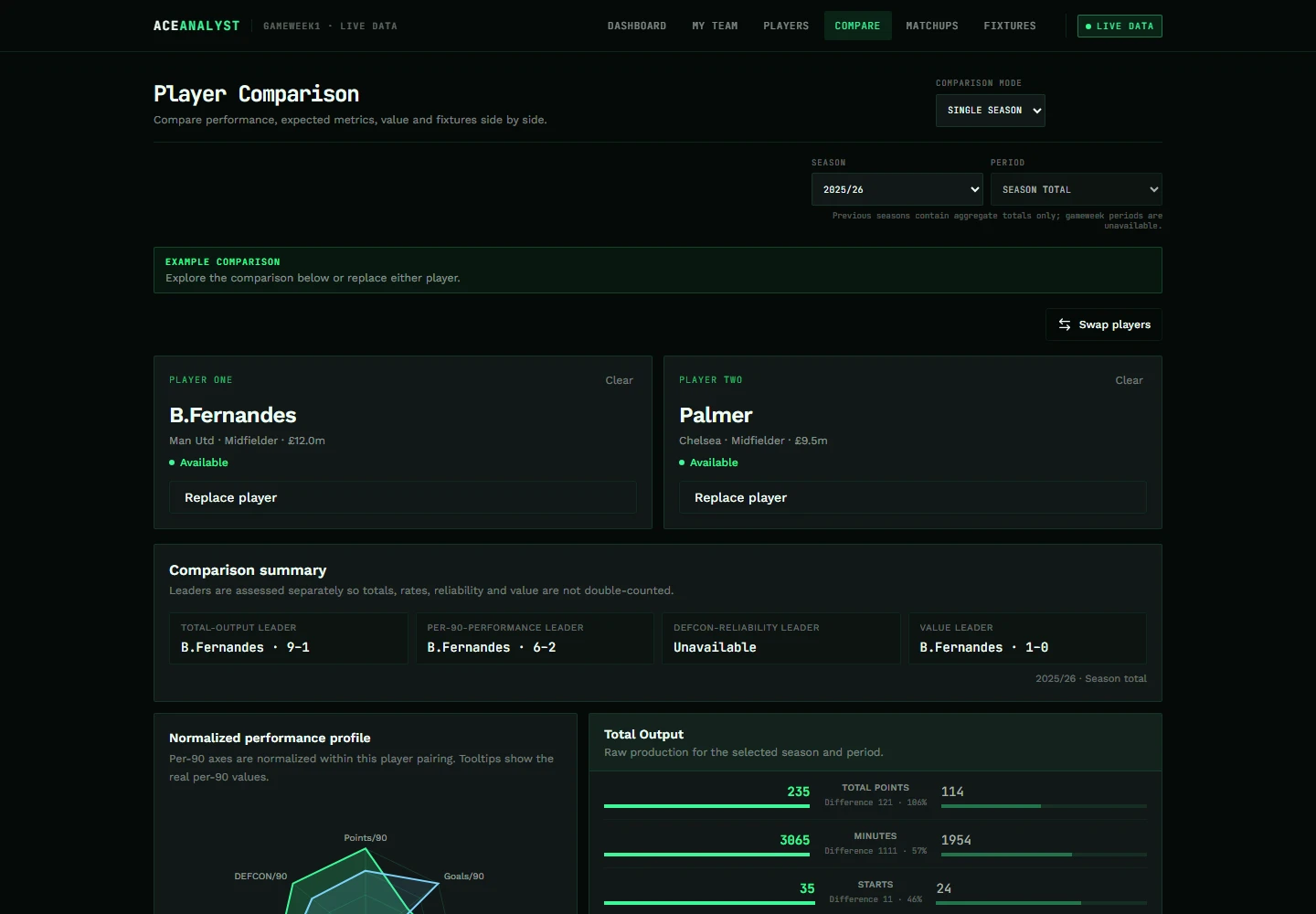
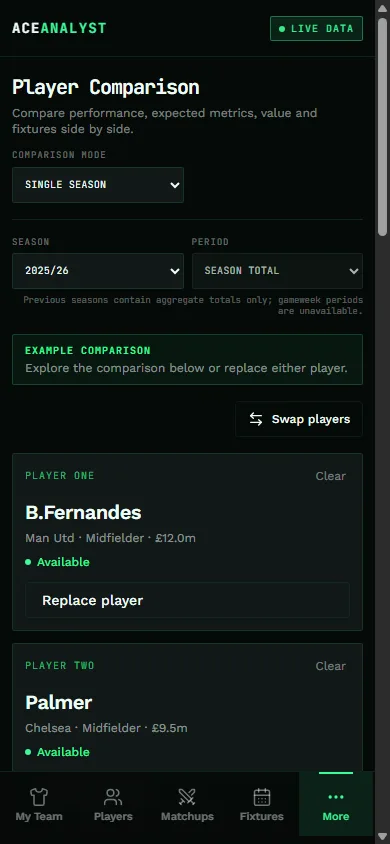
Two names, one screen. Total output, per-90 rates and value shown together, with single-season and multi-season modes — no hidden weighting collapsing it into one score.
The problem
Total points hides more than it shows
Two players can finish a season on similar points for completely different reasons — one nailed on for 90 minutes every week, the other rotated but explosive when he started. A single points total treats those the same.
How Ace Analyst helps
What you get on one screen
Compare puts both players' numbers next to each other instead of behind a single combined verdict.
- Total output and per-90 rates shown together, not blended into one score
- Price and value read side by side, not just points
- Single-season mode for this year's form
- Multi-season mode for career-length context, where the data supports it
- Unavailable metrics shown as a dash rather than a misleading zero
How to use it
Four steps
- Open Compare and pick your first player.
- Add a second player in the same or a different position.
- Switch between single-season and multi-season mode depending on the question you're actually asking.
- Read total output and per-90 rates together — a player who scores more only because he's played more minutes is a different case from one who's genuinely more efficient.
Read this correctly
Comparison shows what has happened, normalized for playing time where relevant. It does not project what either player will do next — that call is yours, informed by the fixture run and the matchup context alongside it.
Questions, answered plainly
Player comparison FAQ
There's a decision waiting on you this week.
Open Ace Analyst, pull up your squad and see the comparison, the fixtures and the matchup behind the move in one place. Free public beta — no account, nothing to install.
Open Ace Analyst